Protect Your iPhone While You Move
Lock your phone and get instant alerts when someone touches it. Perfect for gym sessions, swimming, and active lifestyles.
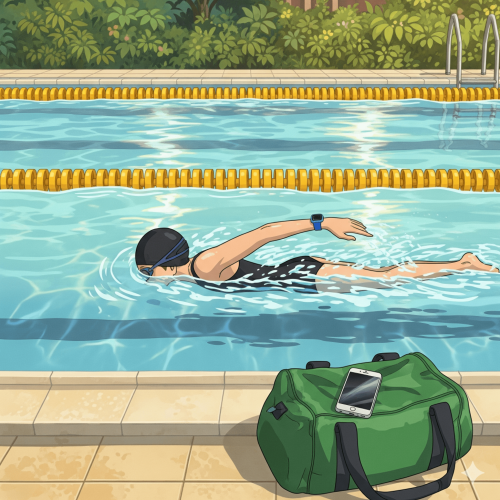
Lock your phone and get instant alerts when someone touches it. Perfect for gym sessions, swimming, and active lifestyles.
Advanced motion detection locks your phone and monitors for any unauthorized movement.
Loud alarm sound triggers immediately when motion is detected while locked.
Get notified on your Apple Watch the moment someone tries to move your phone.
Lock and unlock your phone from both your iPhone and Apple Watch for ultimate convenience.
Split-second detection and response to protect your device instantly.
Adjust motion detection sensitivity for different environments and activities.
Open the app on your iPhone or Apple Watch and tap "Lock & Protect" to activate motion detection mode.
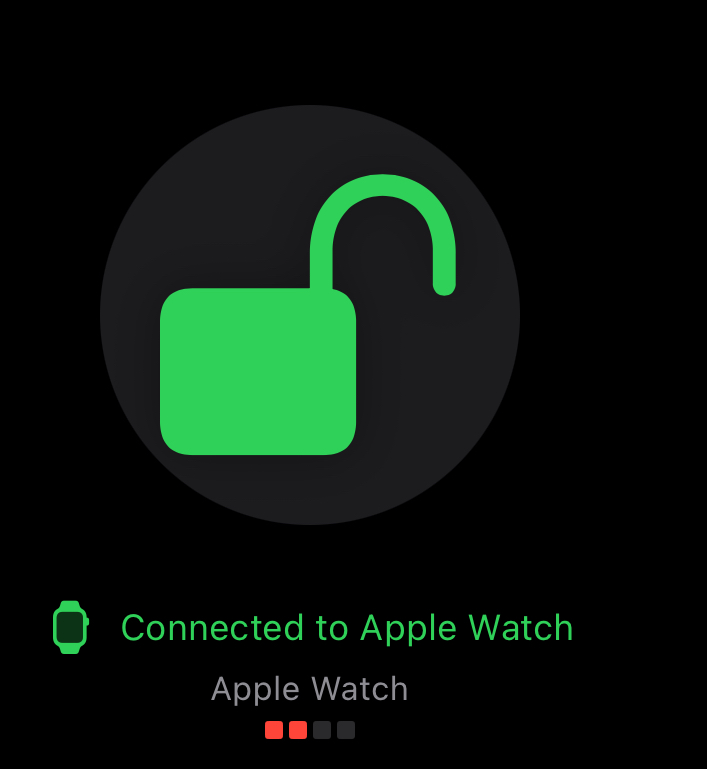
Place your phone down and go about your activity - gym, swimming, or any sport.

If anyone touches or moves your phone, our advanced sensors detect the motion instantly. Loud alarm plays through your phone speakers and notification appears on your Apple Watch.
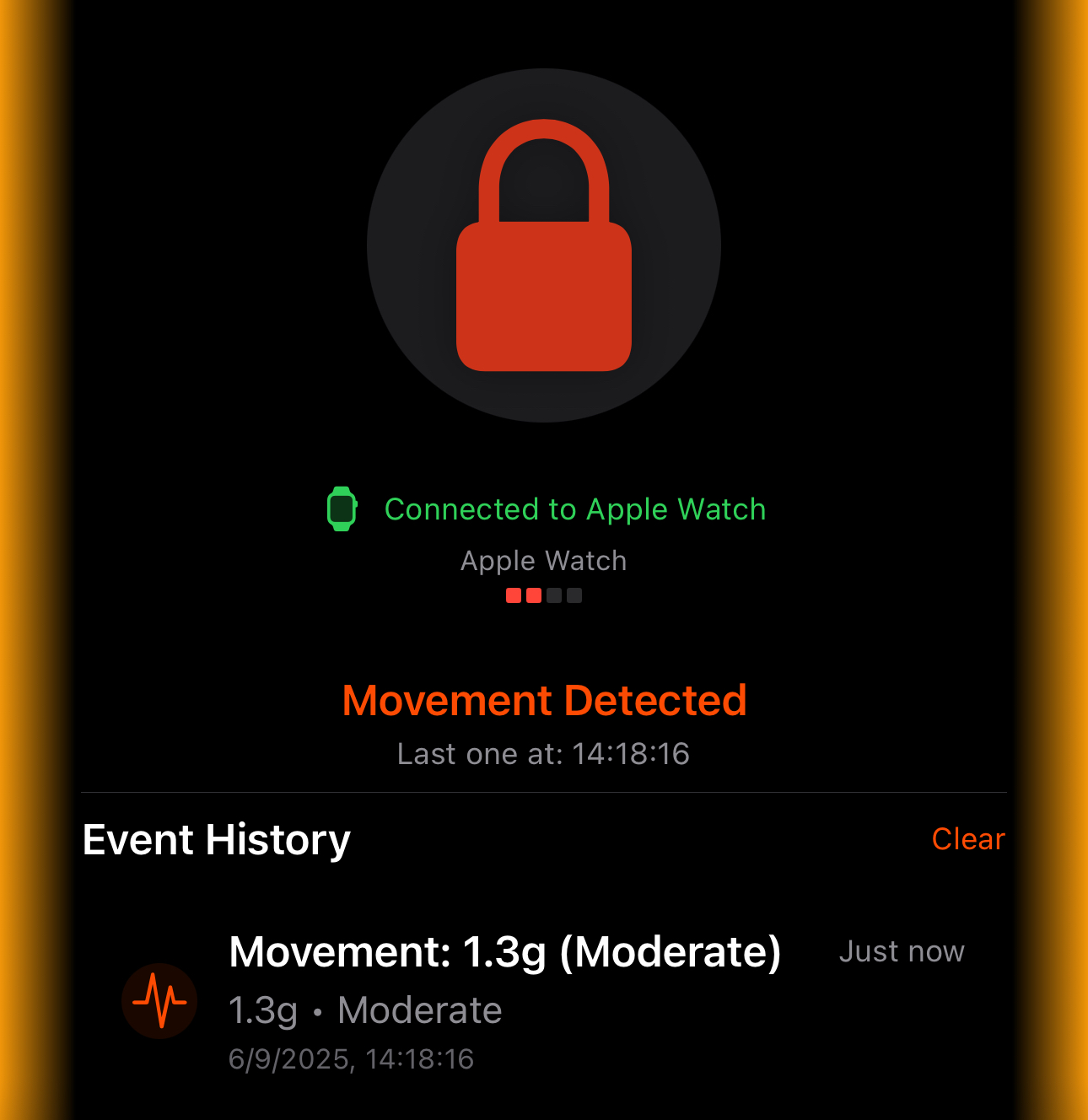
Want to learn more about PhoneGuard's connectivity? View Technical Details →
Protect your phone while lifting weights or using equipment.
Keep your phone safe by the pool while you swim laps.
Secure your device during running, jumping, or field events.